Edit a Shipment
Overview
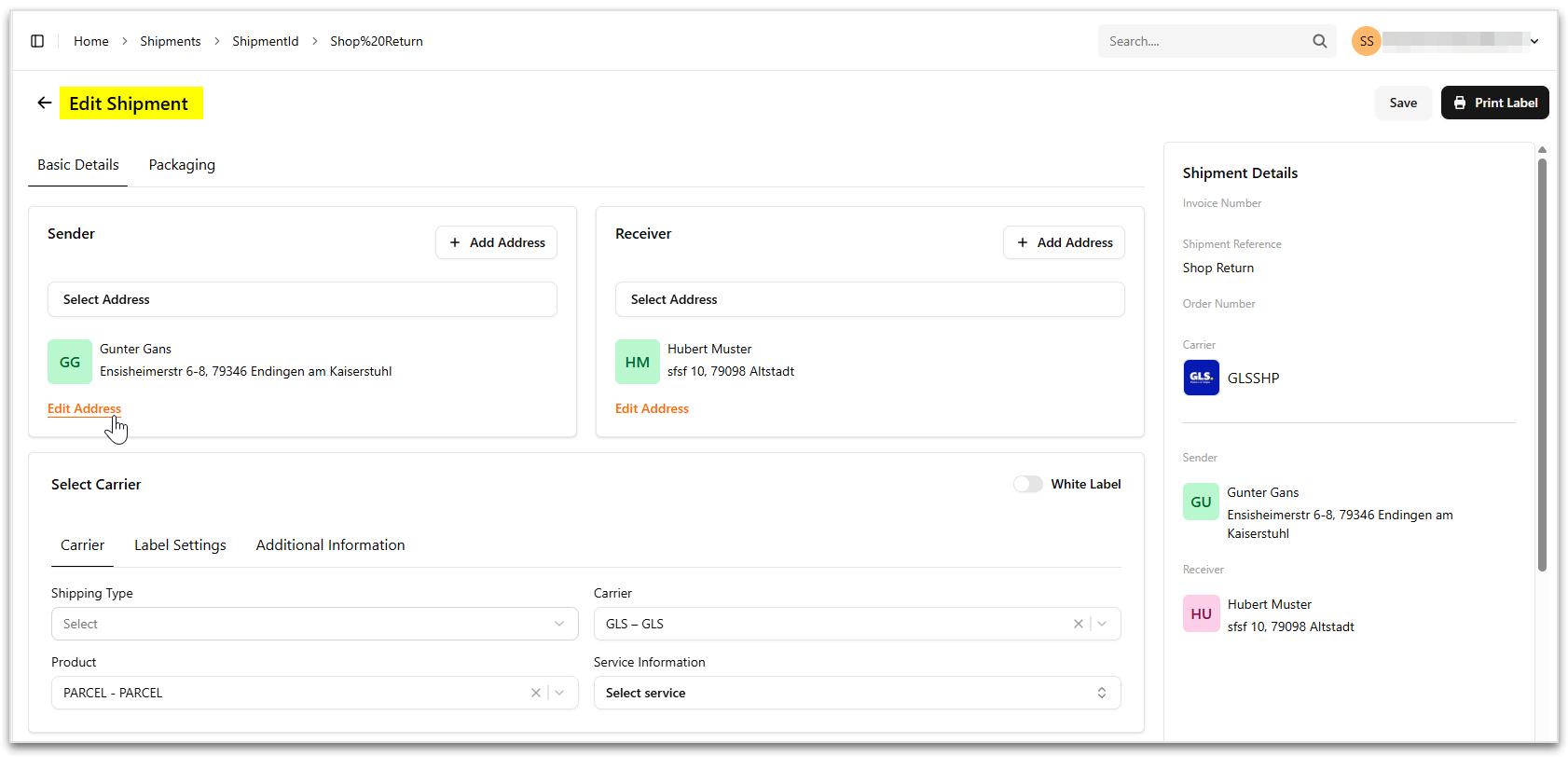
The Edit Shipment page allows you to modify shipment details such as sender and receiver addresses, carrier selection, packaging information, and label settings before the shipment is processed.
Access Method
To edit an existing shipment:
- Navigate to Shipment Management > Shipments.
- Select a shipment from the shipment list.
- Click the shipment ID to open the shipment details.
- The Edit Shipment page opens with the shipment details displayed in editable sections.
- Click Save after making required changes.